Begin with the exact bulb and its current pairing instructions. A smart-light label does not prove direct Wi-Fi, the required app or a universal reset sequence. This guide concerns connection checks after a compatible lamp has been safely installed.
Identify the connection route
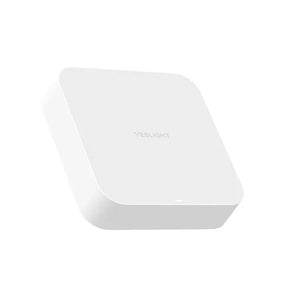
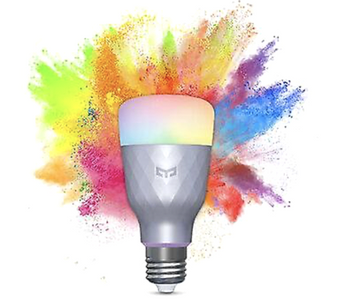
Read the model number and manufacturer instructions before changing network settings. If you already own W3 YLDP005, its current documentation identifies built-in Wi-Fi without a hub. That model is out of stock at this review. Do not transfer its setup to a different bulb or gateway-based light.
Use the current app flow
- Confirm the correct app and supported device entry for the actual model.
- Read the network requirements shown by that model’s instructions; do not assume every connected light uses the same route.
- Follow the current in-app pairing prompts rather than a screenshot sequence from an older app.
- Confirm ordinary app control before adding a supported voice platform or routine.
If pairing does not finish
Separate whether the device is powered normally, found by the app or failing at the network step. Record the displayed error and model before repeating setup. Use a reset only when its exact instructions call for it; a generic number of switch toggles may be wrong for the device. Do not change fixed wiring to solve an app problem.
Protect the account and keep a fallback
Enter network and account information only through the appropriate private setup process. Do not post passwords, pairing codes or account screenshots publicly. Once connected, test the supported normal controls and learn the documented recovery path before making a routine essential to daily use.