A home workspace may change with the daylight and switch between screen work, paperwork and a camera call. Assess those situations separately. Adding a brighter lamp is not always the first or only adjustment.
Check the window at more than one time
Sit in the normal position when daylight is relevant to your working hours. Look for a reflected window or a source in your direct view. HSE guidance suggests adjusting window coverings, repositioning or shading sources and considering local task lighting. Use that as an adjustment checklist, not a fixed brightness prescription.
Keep the page and screen usable together
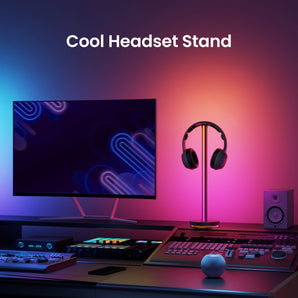
Place papers where you read them and check whether a hand or equipment casts a shadow. A table lamp needs desk space; a monitor bar needs a suitable mounting position. Pura Pro documents an automatic brightness sensor, while Pura Lite has its own simpler white-light controls. Do not assume identical features from the shared name.
Test the camera preview separately
For a call, inspect the actual camera preview with the room arranged normally. Check whether your chosen background or window dominates the frame and whether a task light shines into view. Adjust one source at a time. This is a practical appearance check, not a promise that a desk light is a calibrated studio fixture.
Make a shared workspace easy to reset
Keep controls reachable, leave room for movement and route cables so furniture does not snag them. Record a simple normal arrangement if the desk is used by another person. Lighting adjustments complement breaks and the wider workstation setup; they do not establish a productivity or medical outcome.