An early Matter announcement does not establish support for every present or older Yeelight product. For a current setup, identify the exact device, its documented Matter support and the controller or platform you intend to use.
What the standard helps coordinate
The Connectivity Standards Alliance describes Matter as an application-layer connectivity standard using IP networks. It is not a lamp type or a promise that every manufacturer exposes every feature in every platform. Check the documented functions for the actual product and chosen controller.
Start with the current product, not the old event
The local Cube listing documents Matter-related control for that modular system. Cube+Base and extension-only options are different components: do not choose an extension as a complete starter. This listing is evidence about Cube, not about all Yeelight bulbs, strips or lamps.
Verify the controller and supported route
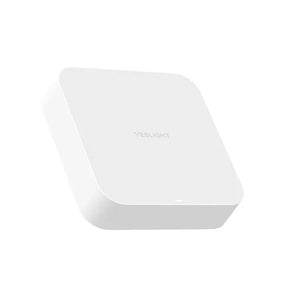
Check the exact device’s current setup instructions, network requirements and the platform’s controller requirements. Matter supports different underlying network arrangements; the Matter name alone does not tell you which one a particular SKU uses. Do not add a bridge or gateway on the assumption that every device needs the same equipment.
Treat upgrades and advanced effects separately
CSA explains that upgrading an existing product depends on hardware and the manufacturer’s decision. Likewise, core platform control does not prove that every proprietary colour effect or music feature is available through Matter. Choose for documented current functionality and retain the model’s supported control path.