Choose a monitor for the games you actually run, the computer or console driving it, and the space where it will sit. A headline refresh rate is not enough: check the supported resolution, connection and settings together before deciding.
Understand three different numbers
Resolution describes the image’s pixel dimensions. Refresh rate, measured in hertz, is how often the display updates each second. A game’s frame rate describes how many frames the system produces; it is not interchangeable with the monitor’s refresh rate. An advertised mode does not prove your own hardware will run every game at that combination.
Check the complete signal path
- Read the monitor’s supported resolution and refresh combinations, including any port-specific restrictions.
- Check the output capability of your computer or console and the required cable specification in their documentation.
- After connection, confirm the selected display and active mode. In Windows, use Settings, System, Display, then Advanced display for refresh rate.
- Set text scaling separately where needed. Microsoft recommends the native resolution for sharper text rather than lowering resolution just to enlarge everything.
Try your real mix of tasks
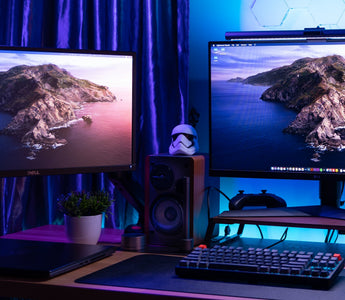
Read small game menus and ordinary desktop text, then try the kind of motion you play most. Check whether adjustment lets you place the screen comfortably. Leave room for the stand, keyboard and mouse rather than choosing a screen size from desk width alone. A specification sheet cannot tell you whether that arrangement suits you.
Judge lighting separately
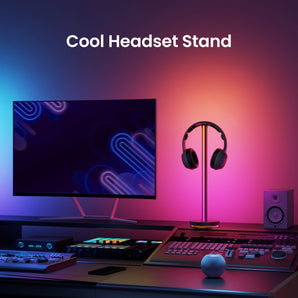
Inspect the screen from your playing position with the room lights and windows as you normally use them. If a bright source reflects in the panel, reposition or shade it before adding decorative lighting. A monitor light is a separate accessory; it does not change the panel’s resolution, refresh rate or supported connection modes.