
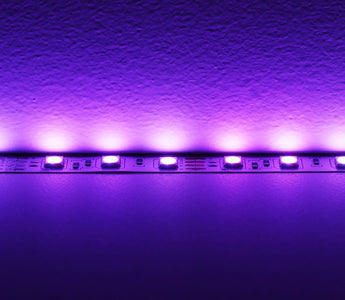
Some LED strips can be shortened, but that is a model-specific design feature. Do not cut a strip simply because it looks flexible or because another Yeelight model can be trimmed. Confirm the instructions before making an irreversible change.
Confirm the cutting permission
Identify the full strip model, standard kit and any extensions. The manufacturer describes Light Strip Pro as trimmable and extendable, but that does not establish the same cutting rules for every strip. Look for the permitted cutting marks and instructions supplied with your own kit; do not choose an arbitrary point between LEDs.
Measure and test before changing length
Plan the cable route, controller position and mounting corners first. Test the lighting with the original kit before shortening or peeling the adhesive. Disconnect power before any permitted trimming, and follow the required connector and end-protection instructions. Do not open a mains adapter or improvise exposed wire joins.
A cut-off piece is not automatically a second light
A spare section may lack the controller, power connection or supported termination needed to work independently. The ability to shorten a strip does not prove that offcuts can be reused or rejoined. If you need separate runs, compare complete compatible kits or the manufacturer’s supported layout rather than assuming a generic connector will work.
Related choices and guides
Frequently asked questions
Can I cut anywhere on the strip?
No. Only use the cutting points and method explicitly permitted for the exact model, with power disconnected.
Will an offcut work with another brand’s controller?
Do not assume that. Connector shape alone does not establish electrical or control compatibility.







