
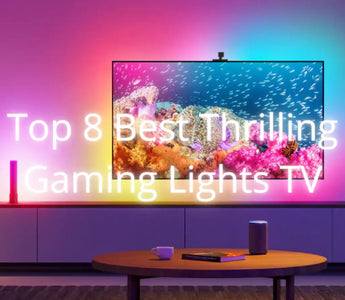
Lighting around a gaming television can provide a steady colour backdrop or a supported reactive effect. Decide which you want first: app colour control, music response, software game integration and direct TV-picture matching are not the same function.
Identify the source of the effect
A console or streaming device supplies the television picture, but that does not automatically give a decorative lamp access to those colours. Direct picture matching needs an explicitly supported screen-capture route. Music response uses a different input, and computer-software integration may require a compatible computer setup. Check the complete route for your actual equipment instead of assuming that a game-related label covers every console.
A Light Strip Pro option for ambient colour
For adjustable colour lighting around your TV area, explore the Yeelight Light Strip Pro. It offers app control, dimming, music sync and Razer Chroma RGB game integration.
Start with a standard pack that includes a control box. Extension packs require the standard pack; follow the product instructions for power, cutting points and supported extensions before fitting the strip around your screen.
Music or game sync does not mean direct TV-screen colour matching. Check compatibility with your chosen synchronisation setup and follow the strip's power requirements rather than assuming a TV USB port is suitable.
Plan placement without guessing the power supply
Measure the intended route and check the product instructions before attaching a strip. Keep the screen’s ventilation and required access clear. Use the approved power and control equipment, and leave the controller serviceable. If the strip cannot follow a corner as instructed, change the layout rather than sharply bending or cutting it at an arbitrary point.
Test with the television on
Check the view from the gaming seat during bright and dark scenes. Look for reflections, exposed bright emitters and colour that competes with the picture. A steady scene is a useful way to assess placement before trying supported reactive functions. Decorative colour is not a replacement for the room light needed to move around, and it does not establish a health or gaming-performance benefit.







