
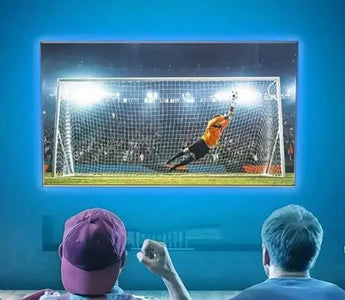
USB can describe a power connection, a data connection or both. It does not by itself mean that a gaming light can run from any monitor, console or TV port. Match the exact product’s power requirements before planning the visual effect.
Read the power instructions
Check the required supply, cable and connection arrangement for the exact model. Connector shape is not proof that two devices provide and accept the same electrical output. A USB-C charging port on a rechargeable light also does not prove that it supports computer-controlled lighting effects. Do not use a random port as a substitute for the specified adapter.
Mount around the real gaming setup
For a monitor light, check screen compatibility and webcam clearance. For decorative lighting, keep sources from reflecting in the display or shining directly into the seated player’s view. Route cables away from moving chair parts and leave power equipment ventilated. A strip kit and a screen-mounted light serve different tasks even when both sit near the monitor.
Choose synchronisation by supported input
Music effects react to an audio-related input, while a supported game integration relies on its software setup. Picture synchronisation requires an explicit screen-image route. Neither a USB connection nor an RGB label proves all three. Confirm the light model, required controller and supported platform so the effects you choose match your PC or console setup.
Related choices and guides
Frequently asked questions
Can a TV USB port power every gaming light?
No. Check the exact kit’s specified power arrangement; the presence of USB is insufficient.
Does a USB cable automatically send screen colours to the light?
No. That needs supported data functionality and a compatible synchronisation system, not just a connector.







