
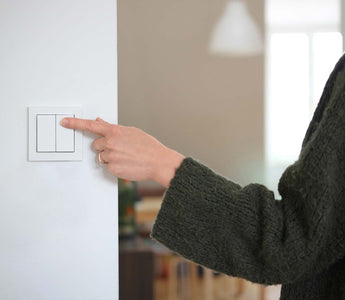
Choose a switch by what it must control, not just its faceplate. Physical style, electrical switching, dimming and connected commands are separate questions, and each must suit the actual light and installation.
Separate the visible control from its function
A rocker, toggle, button, slider or rotary control describes how someone operates it. That appearance alone does not establish whether it simply switches power, dims a compatible load or sends a command to another device. Read the exact model documentation rather than inferring its function from a familiar shape.
Match dimming to the actual load
An LED that can dim in its own app is not automatically compatible with an ordinary wall dimmer. Check the lamp or driver specification and the dimmer’s supported load type and tested combinations. Leviton’s model-by-model compatibility tool illustrates why an LED label alone is insufficient; it is not a recommendation to use a foreign-market switch in a Saudi installation.
Distinguish mains switching from a smart command
A control that disconnects power and a controller that sends a command do different jobs. For connected lighting, confirm how the light behaves when power is removed and whether its intended app functions remain usable. Check any gateway, network or pairing requirement for the exact model.
Leave wiring decisions to a qualified installer
- Have the supply, load rating and existing circuit checked against the proposed switch instructions.
- Verify whether that exact model needs a neutral conductor; smart controls do not all have the same requirement.
- For control from more than one location, have the existing circuit and compatible companion controls identified.
- Do not infer wiring colours, terminal connections or local compliance from a general online diagram.







