
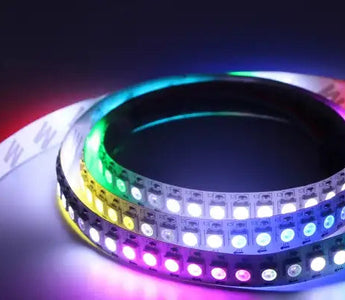
“PC lighting” can mean LEDs inside the computer, light on the desk or a background controlled by software. These use different power and control paths. Decide which result you want before choosing a controller or connecting anything.
Inside the case: use the exact hardware manual
Motherboard lighting headers, proprietary hubs and complete room-light systems are not interchangeable connections. Check the motherboard and component manuals for the required connection, pin arrangement, voltage and permitted load. A connector that looks similar is not proof of compatibility. Do not connect an externally powered room strip to a motherboard header by analogy.
Outside the case: choose the lighting job
A monitor bar serves a different placement from a background strip or a tabletop lamp. First inspect the screen and keyboard from the normal seat. Keep bright sources and reflections out of the screen, and plan power and cable routes separately from decorative effects. A USB cable description is not a promise that every PC port powers every accessory.
Treat software as another compatibility layer
SignalRGB requires supported hardware and may need controller-channel configuration. Razer Chroma is a different integration. A model supporting one platform is not thereby proven to support the other. If shared effects matter, confirm the exact device, software and connection before building a mixed setup.
A room strip is still its own system
The catalog’s Light Strip Pro Standard pack includes the control-box system; its Extension pack expands that system rather than starting one. Its documented music and Razer Chroma functions concern supported lighting effects, not an assurance of universal screen capture or direct TV sync. Keep its power and control path distinct from internal PC lighting.
Troubleshoot one path at a time
For detection problems, follow the chosen software’s exact-device guidance and check competing RGB applications. For electrical connections or loading, return to the hardware manual rather than changing software settings to compensate for an uncertain connection. This guide is not a custom-wiring procedure.







