
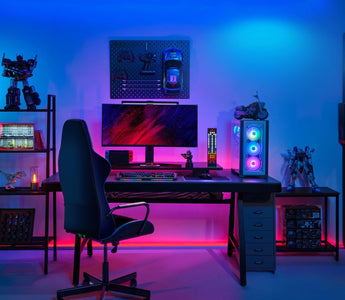
A shared room needs a useful ordinary state as well as a player’s preferred effects. Plan the transition between conversation, television and gaming without making everyone depend on one computer or account.
Begin with the people not using the screen
Sit on the sofa, in the side chair and at the desk. Check what each person sees when the gaming arrangement is on. Keep movement and task light available independently, and identify a steady background everyone can use without starting reactive software.
Use modular light as one feature
Cube offers Matrix, Panel and Spot module forms. Start with a Cube+Base system, not an extension alone. Their modular arrangement can be a room feature, but it is not evidence of an approved wall-mount method or a replacement for the room’s ordinary light. Follow the actual placement documentation.
Agree on a normal return state
Decide which controls are accessible to everyone. Test a steady setting, then add any documented music or computer effect as an optional state. Matter-related control does not establish that another platform exposes every proprietary effect or that a TV directly supplies matching colour.
Expand only after the shared test
Try conversation and a dark screen scene with the same physical arrangement. If an exposed source or reflection affects another seat, change the feature’s position within its permitted use before adding more lights. Record the ordinary control path so the next person does not have to reconstruct your setup.







