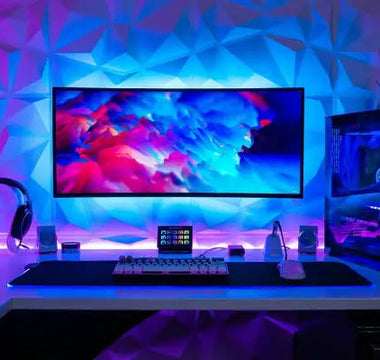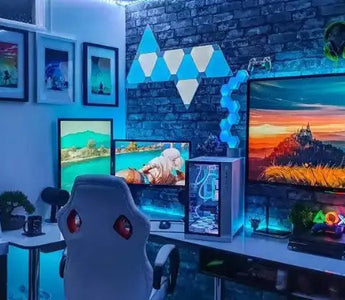
RGB lighting works best when it frames your setup rather than competing with the screen. Use these ideas to build an RGB gaming room step by step.
Idea 1: backlight the desk or TV
Run an Obsid RGBIC strip along the back edge of the desk or behind a TV. Its addressable pixels can show gradients and moving effects, and tunable whites let the same strip act as calm background light. Start with a Standard pack; each supports up to three Extension packs.
Idea 2: frame the monitor
Place Beam RGBIC light bars on each side of the monitor. They light front, back and bottom and include a headset stand, so the setup stays tidy.
Idea 3: build a modular centrepiece
Stack Cube Panel or Spot cubes on the desk. Cubes connect magnetically, offer clock mode and DIY effects, and sync with music, games and screen. A Cube+Base pack is required to start.
Idea 4: add a colour lamp
The D2 Smart Table Lamp gives tunable white for reading and 16 million colours for ambience, with Razer Chroma sync and HomeKit, Alexa and Google Assistant support.
Keep a white task light
RGB is atmosphere, not desk light. A Pura monitor light bar keeps your keyboard visible.
Layout checklist
- Keep colour sources out of your direct line of sight.
- Run colours dimmer than the screen.
- Choose one or two colour themes rather than every effect at once.
- For sync with PC effects, see how to use SignalRGB and check each product page.
Shop gaming lighting.
Frequently asked questions
What do I need for an RGB gaming room?
A white desk light, one main RGB source behind the screen (strip or light bars) and optional accents such as Cube or a colour lamp.
Can I extend the Obsid strip?
Yes. Order a Standard pack with the control box; each Standard supports up to three Extension packs.
Which Yeelight RGB product has a headset stand?
Beam RGBIC light bars include a headset stand.